Related games




Published on: October 2026
Game technology: HTML5
Platforms: PC, Phone, Tablet
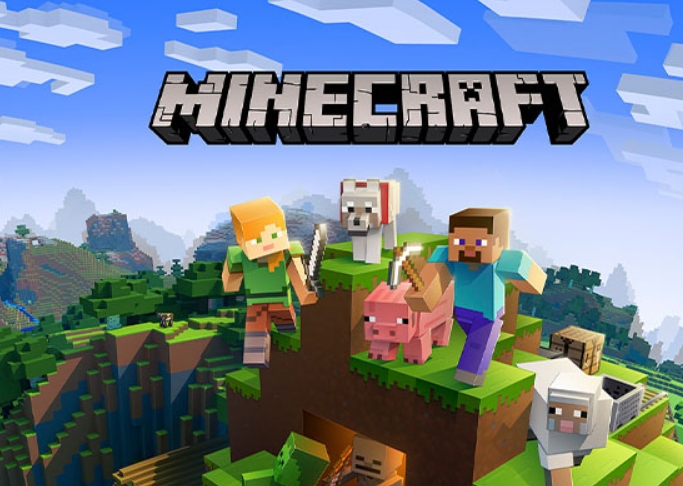
In Quenq Minecraft, players begin in a world made entirely of blocks, where forests, mountains, caves, and rivers provide materials for building and survival. This browser-based version of Minecraft uses Eaglercraft technology to recreate the sandbox experience. Players can collect resources, craft equipment, construct buildings, and explore different environments. There is no scripted storyline or fixed sequence of missions. Instead, players decide whether to concentrate on survival, exploration, construction, or multiplayer activities.
Your First Day in Survival Mode
Survival begins with an empty inventory and a randomly generated environment. Players collect wood, create a crafting table, and manufacture basic tools. Stone and iron equipment become available after gathering the necessary materials. Building a shelter is useful because hostile creatures such as zombies, skeletons, and spiders appear in darkness. Players must also manage health and hunger while gathering food and preparing for longer journeys.
What Can You Build and Discover?
Quenq Minecraft offers several activities beyond constructing a basic house. The world contains different biomes, underground caves, villages, and resources that support increasingly complex projects.
Gameplay features include:
- Survival Mode with health, hunger, and hostile creatures.
- Creative Mode with unlimited building materials.
- Mining for coal, iron, diamonds, and other resources.
- Crafting tools, weapons, armor, and equipment.
- Farming crops and raising animals.
- Exploring caves, villages, and different biomes.
- Multiplayer servers with cooperative and competitive activities.
Creative Mode removes most survival restrictions, allowing players to fly and place blocks without collecting resources. Multiplayer servers may introduce additional rules, building challenges, or combat activities.
Progression in Survival Mode comes from improving equipment and exploring dangerous locations. Players can obtain stronger armor, enchant items, and enter other dimensions available in their game version. There are no traditional numbered levels, although experience levels can be earned and used for enchanting.
Controls and Browser Gameplay
Use WASD to move, Space to jump, and the mouse to look around. Hold the left mouse button to break blocks and right-click to place blocks or interact with objects. Press E to open the inventory, Shift to sneak, and Ctrl to sprint. Quenq Minecraft supports single-player worlds and compatible multiplayer servers. Its browser interface also provides different performance modes, allowing players to choose between WebAssembly and JavaScript execution.
